
Workload Management
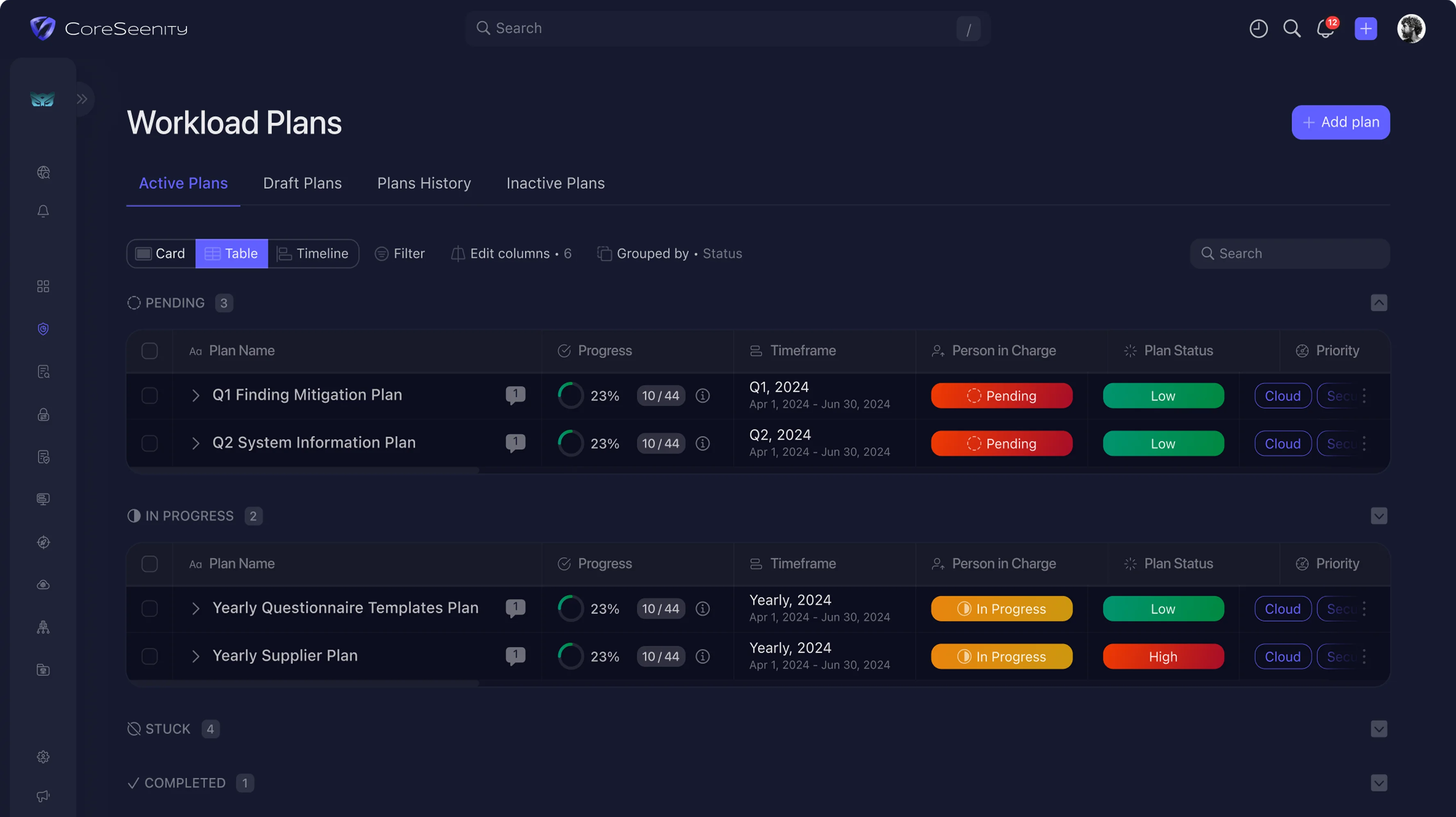
Workload Plans
Plan Smarter with AIDeliver on Schedule
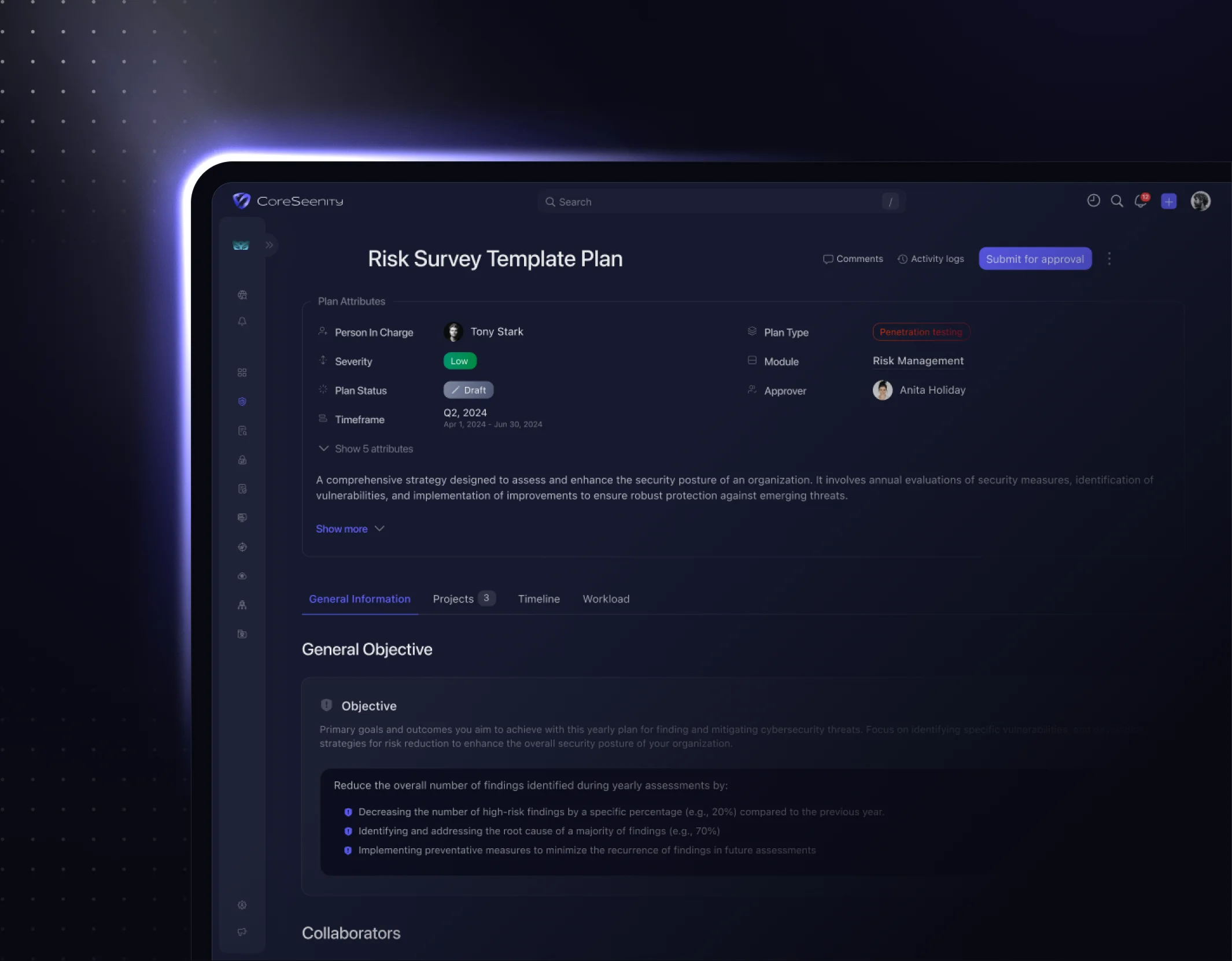
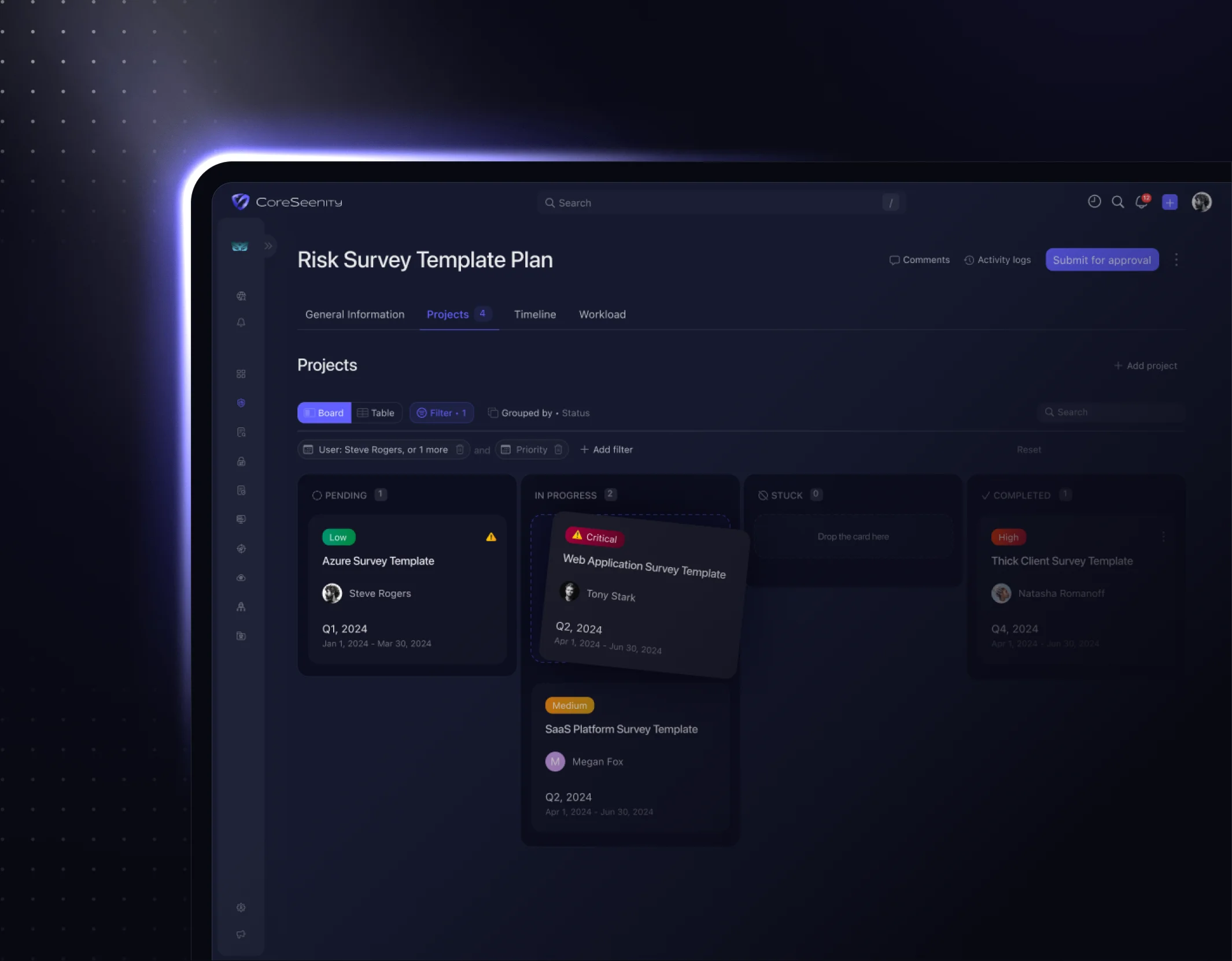
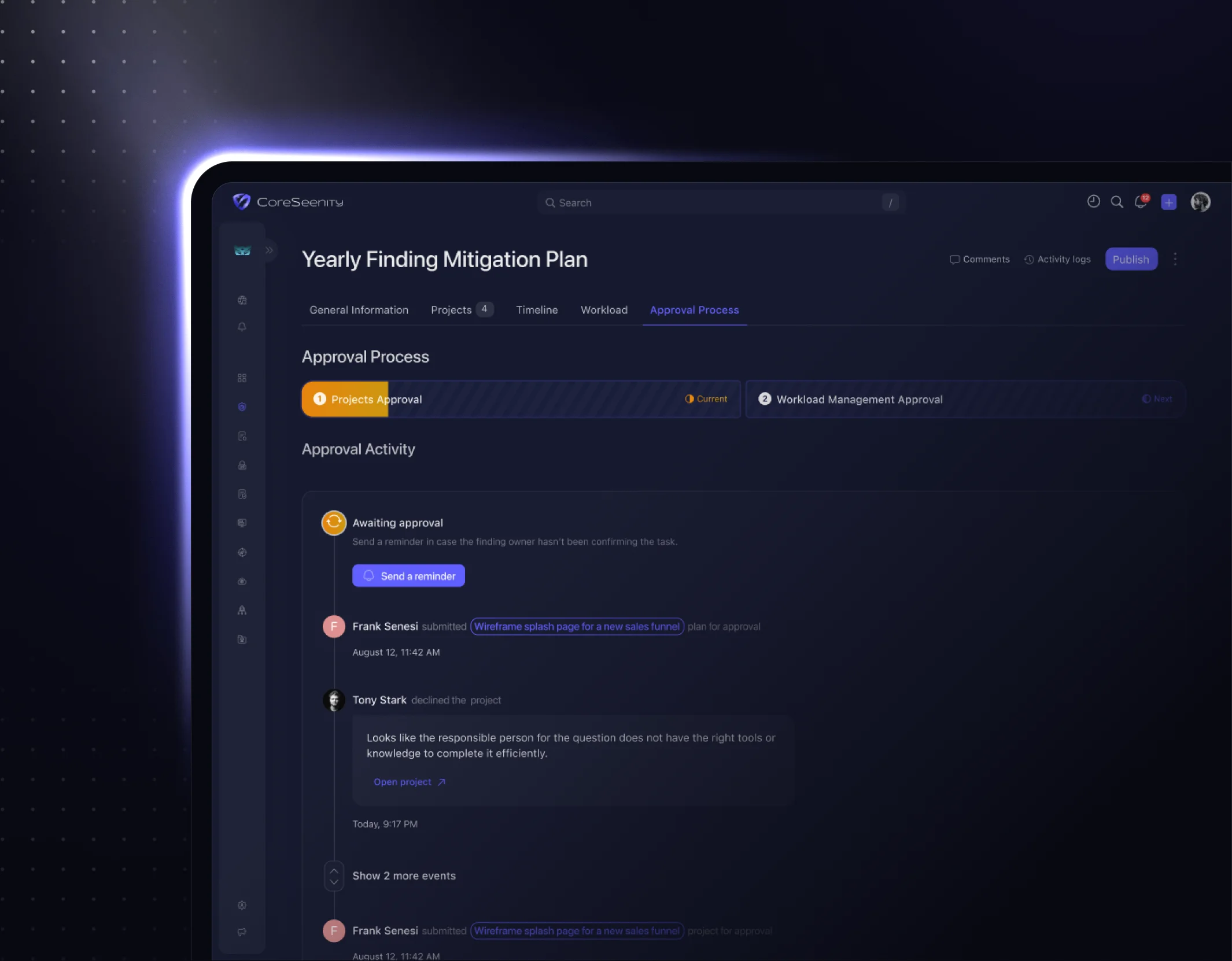
Create, manage, and track structured execution plans across your risk, system, and survey-related projects.
Book a Demo
Book a Demo
CoreSeenity Workload Management workload plans timeline
Team Management. Build and structure the teams, and see all Workload Plans the team is assigned to.
Update Schedule. Configure how often team members must submit plan updates (e.g., weekly/monthly).
Multiple Plan Types. Create and manage plans based on findings, surveys, or systems - all in one place.
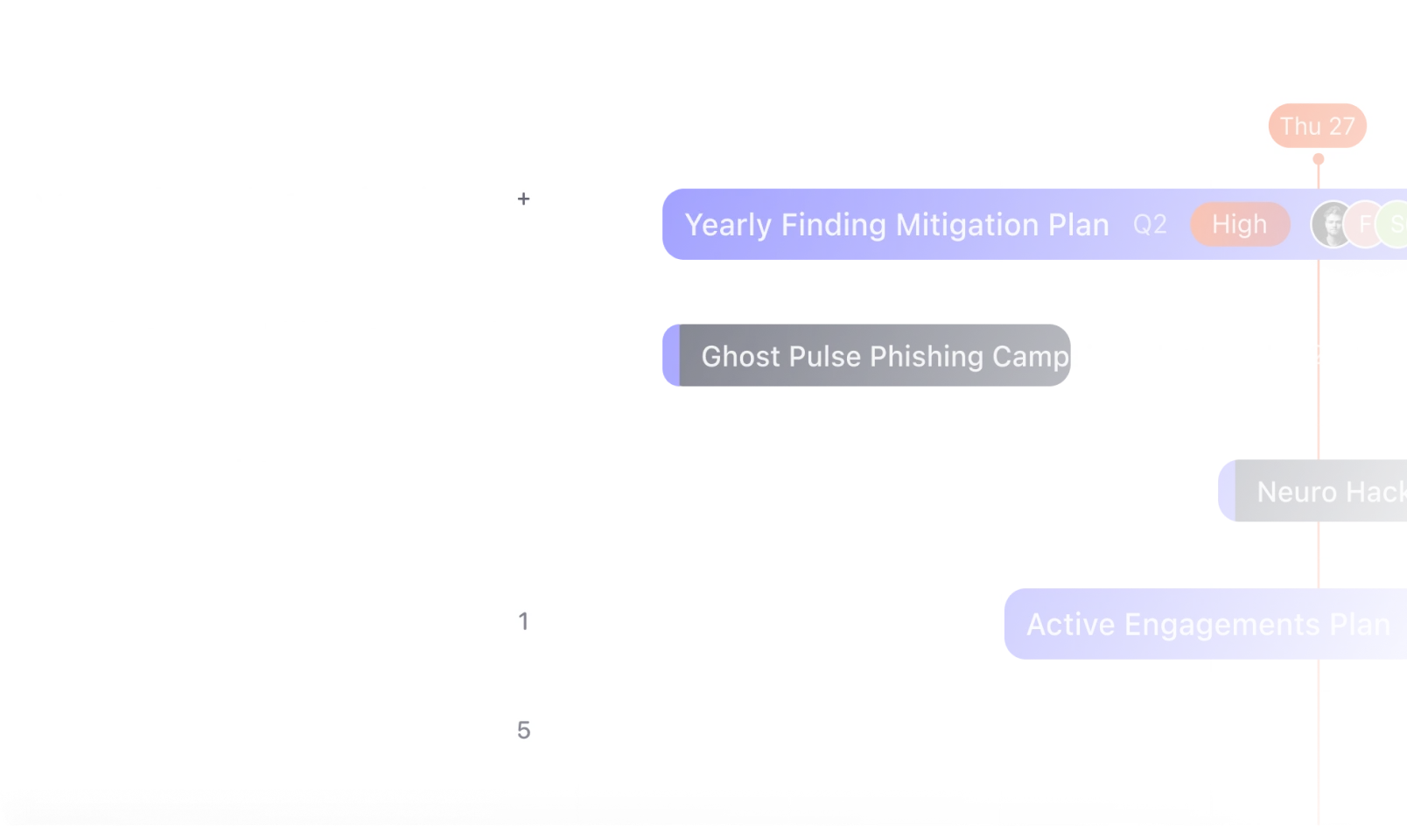
Interactive cybersecurity project timeline with workload scheduling, task dependencies, and project milestones in CoreSeenity.
Interactive Project Timeline
Visualize and manage project schedules with flexible views, dependencies, and drag-to-reschedule functionality.
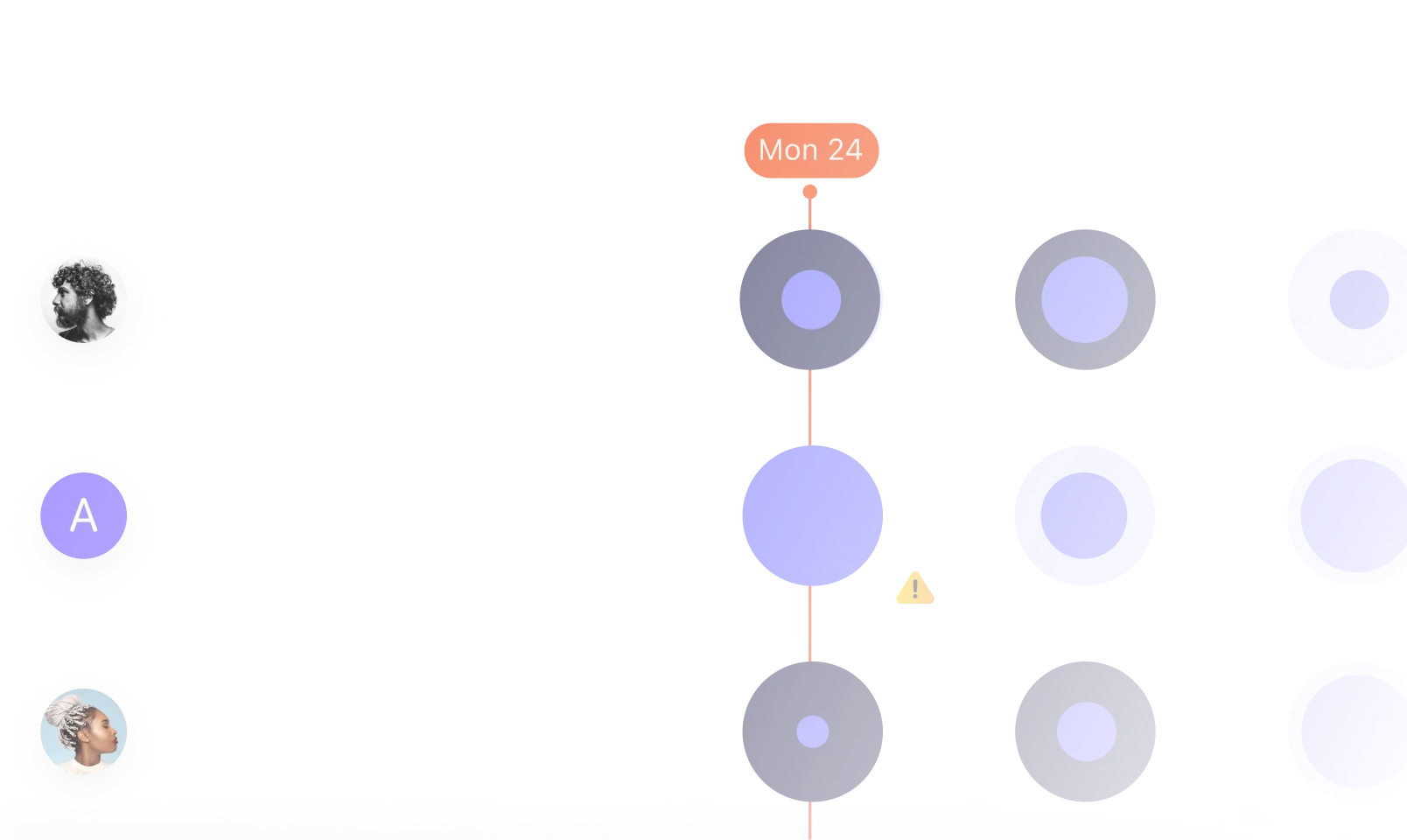
Cybersecurity team workload dashboard showing resource allocation, capacity planning, and team availability in CoreSeenity.
Team Workload & Capacity Overview
Track user assignments, detect overloads, and adjust workload distribution for better team performance.
Keep Teams Connected With Smart Updates
Keep discussions focused with comment threads tied to specific findings or tasks, and instantly engage teammates through mentions and tagging.
Notification Center
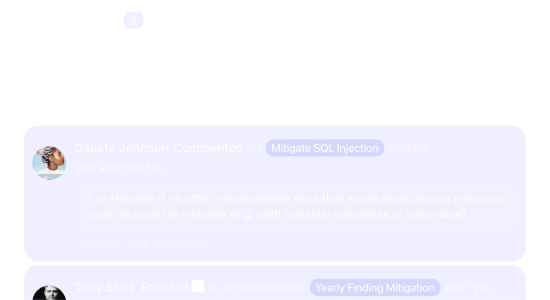
Receive real-time alerts about assignments, deadlines, and updates.
CoreSeenity notification center displaying real-time cybersecurity alerts, task assignments, comments, and project updates.
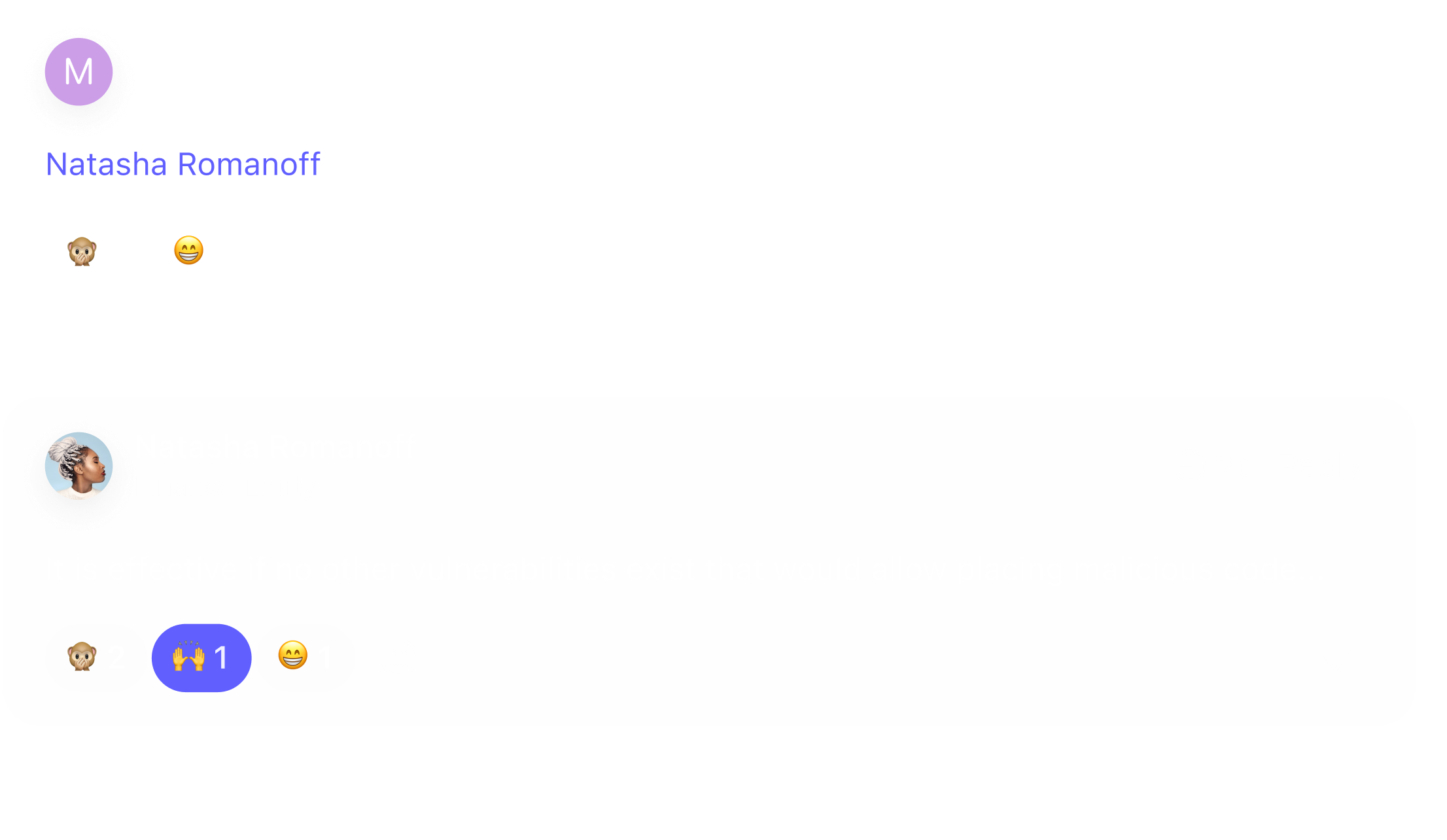
CoreSeenity collaboration threads for cybersecurity teams with comments, discussions, and feedback on workload plans.
Collaboration Threads
Communicate directly within plans via comment threads.
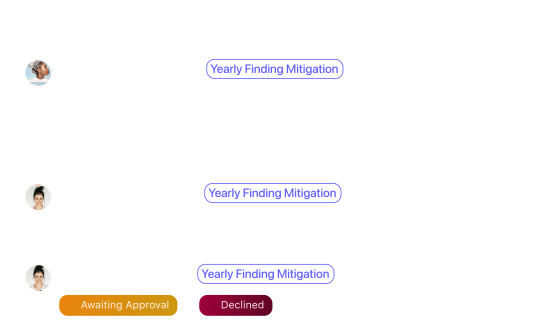
CoreSeenity activity log tracking cybersecurity workload updates, approvals, status changes, and user actions.
Activity Log
Track all actions and updates made to plans.
Start Managing Risk
with Confidence?
Plan, track, and balance your team’s work - see how AI-driven workload management keeps every plan on track.